RESOURCES
Links to additional assets, tools, information, and more. These websites offer an immense amount of helpful content.
Blender Addons
Blender is a great piece of software. Unfortunately, it can be cumbersome to use at times. By installing addons you can greatly improve your experience and efficiency. These addons are used regularly by many professionals. You may find many of them to be quite useful in your own workflow. Links may be removed when a developer ends support for an addon.
[Addon]CURVEmachine
CURVEmachine can be seen as MESHmachine’s little brother. It aims to make POLY Curve editing more flexible, and like MM’s fillet toolset1, makes working with curve radii/arcs and non-circular blends essentially non-destructive.The main tool in CURVEmachine that makes this possible, is the Blendulate…
[Addon]MACHIN3tools
MACHIN3tools is a free, continuously evolving collection of blender tools and pie menus in a single customizable package.Discuss @ blenderartists.What’s Deus Ex? It includes the Edge Constrained Transform tool, as well as Group Gizmos and the Punch It tool.The What’s New? and Changelog pages are a g…
[Addon]MESHmachine
MESHmachine is a blender mesh modeling addon with a focus on hard surface work without subdivision surfaces.Fuse and Unfuse Surfaces, create Variable Fillets and Washouts, edit and fix Bevel geometry, Unbevel and Unchamfer, create and clean up Boolean Intersections and create perimeter loops, keep earlier mesh states around as Stashes and use them for Normal Transfers, flatten and straighten normals, symmetrize and mirror custom normals, and detail surfaces flawlessly using Plugs – incl. your own custom made ones. MESHmachine 0.14 works with Blender 3.6 and 4.0!NOTE: existing customers of the 2.79 version, read this. Featuresturn chamfers into fillets/bevels and backchange the width of a chamfer or bevelcreate variable fillets and washouts unchamfer and unbevel to go back to a hard edgepractically edit existing existing bevelsresolve tricky geometry overlaps in cases where two bevels meetflatten multiple polygons based on another polygon or flatten a single polygon based on 3 verticesflatten along a normal or flatten along edgesredirect chamfer flow by turning the cornersconvert triangular bevel corners into quad cornersplug details into your meshbuild your own plugs and create/buy/sell plug librariesstash objects or face selections, creating backups, that can be brought back or referenced by other tools, without cluttering the sceneconveniently add boolean modifiers (incl. split booleans), create automatic stashes when applying the mods, and easily duplicate or instance objects using booleanscleanup applied booleans and create clean perimeter loops around their intersectionscreate flattened, straightend, and transferred custom normalssymmetrize meshes including their custom normalsturn mirror modifiers into real objectsloop select, sharp select and vertex group select, all using a single keymapeasily add wedgesbest documentation in the business LinksInstallationDocumentationFAQGet SupportWhat’s new?Discuss at polycount and Blender ArtistsTwitter

Hard Ops / Boxcutter Ultimate Bundle (#b3d)
What is this? (vid)This is an addon for Blender 3d. This product contains both HardOps and Boxcutter in one easy to purchase bundle. The users tell the tale best. hopsDocs / boxDocsbanner by: RachelhopsCutter is always being updated, Free UpdatesUpdates come with the product. If you buy the tools up…

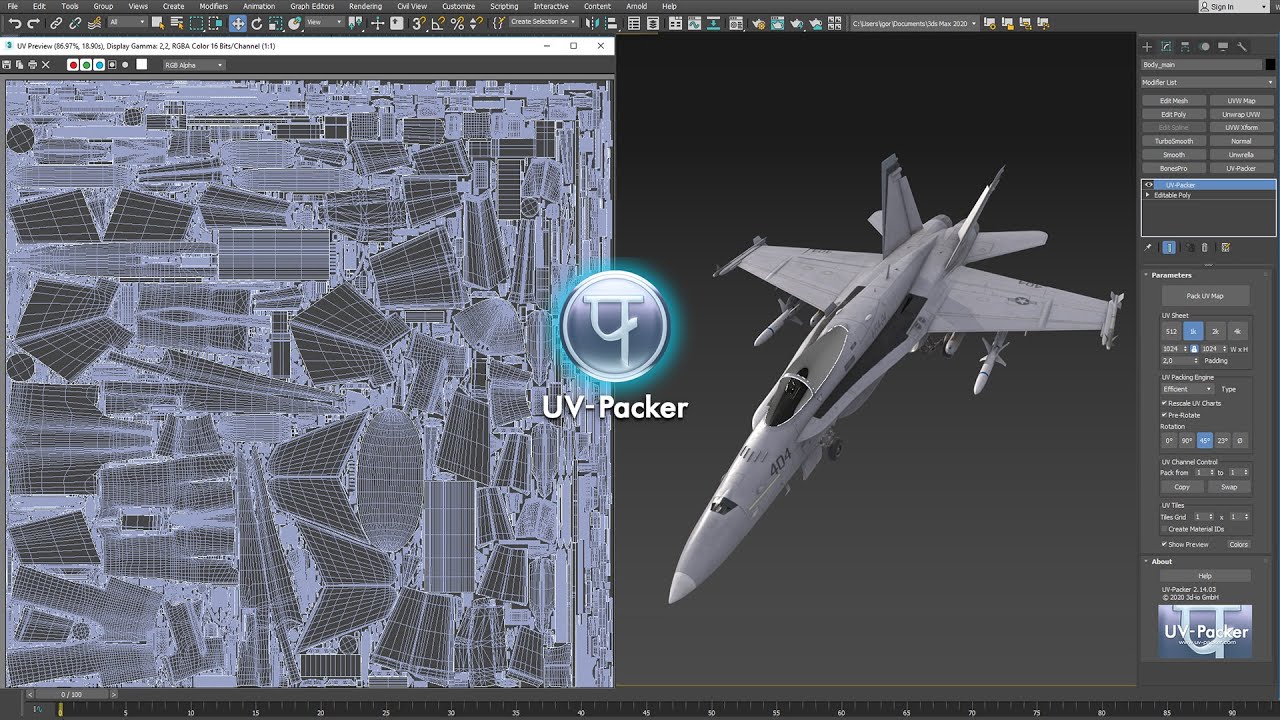
UVPackmaster 3 PRO for Blender
New major release of the state-of-the-art UV packing solution for Blender!For answers to most important questions regarding UVPackmaster 3, visit the FAQs on our site (recommended especially if you are a UVPackmaster 2 user and you would like to upgrade to UVPackmaster 3).The previous release of UVP…
GitHub – oRazeD/GrabDoc: GrabDoc is a trim baker for Blender 4.0+
GrabDoc is a trim baker for Blender 4.0+. Contribute to oRazeD/GrabDoc development by creating an account on GitHub.
KIT OPS PRO 2 kitbashing addon for Blender
Works with Blender 2.91+NOTE: KIT OPS 2 PRO is updated frequently. The latest version is always freely available here on Gumroad for purchasers of the product. We use ‘edition’ names to help us differentiate major updates. The topmost update listed is the most current.New Update: KINGSMANEditionLots…
Blender Addon: Texel Density Checker 2023.1
UPDATE Texel Density Checker 2023.1 (Blender 3.6.1 and higher) (26 Aug, 2023):Full info about update (GitHub)[New] Select anchor for scaling UV when using “Set TD”[New] Visualization of Distortion UV[New] Ability to remove panel from View 3D or UV Editor[Improvement] 25% speed increase[Fix] Clean Up…
GitHub – BenjaminSauder/EdgeFlow: Blender tools for working with edgeloops
Blender tools for working with edgeloops. Contribute to BenjaminSauder/EdgeFlow development by creating an account on GitHub.

Quad Remesher – Auto Retopology – EXOSIDE
Quad Remesher: a new automatic quad remeshing (auto retopology) plugin for 3dsMax, Maya, modo. (and more to come : Blender, Cinema4D, Houdini)
Rotate an HDRI for Blender 2.8 – 3x
Add-on for rotate the HDRI map using a hotkey. Works in Eevee and Cycles, you can use the HDRI from the Material Preview mode or operate with the nodes. Holding down the Ctrl + Alt + Left Mouse Button, move the mouse left or right for turn.Can be changed in add-on settings.

Synchronize Workspaces – Blender Add-on
Imagine how much time you waste restoring viewport position every time, then switching on a different workspace in Blender! With this add-on, you can switch between them fluently, because this add-on keeps viewport position between different workspaces. It is that simple as it is. You can disable sy…
Batch UV Tools | Blender Multiple Object UV helper
This is a simple Blender addon adding extra functions for easy UV layer management between multiple objects. Adding UVs to multiple objectssame function can also be used for switching between mapsCopy Unique UVseasily find issues with naming and orderFunctions:Set Or Create Active Map for multiple o…
Releases · Symstract/modifier_list
Blender add-on with enhanced UI layout for modifiers with handy features. Replaces the regular modifier UI and adds a tab in the Sidebar and a popup. – Symstract/modifier_list
GitHub – Ryxx/Sculpt-Alphas-Manager
Contribute to Ryxx/Sculpt-Alphas-Manager development by creating an account on GitHub.
GitHub – EdyJ/blender-to-unity-fbx-exporter: FBX exporter addon for Blender compatible with Unity’s coordinate and scaling system.
FBX exporter addon for Blender compatible with Unity's coordinate and scaling system. – GitHub – EdyJ/blender-to-unity-fbx-exporter: FBX exporter addon for Blender compatible with Unity's c…
GitHub – SavMartin/TexTools-Blender: TexTools is a UV and Texture tool set for 3dsMax created several years ago. This open repository will port in time several of the UV tools to Blender in python. For more information on TexTool’s tools and features see: http://renderhjs.net/textools/blender
TexTools is a UV and Texture tool set for 3dsMax created several years ago. This open repository will port in time several of the UV tools to Blender in python. For more information on TexTool'…
[Addon] ImagePaste
ImagePasteBlender add-on to paste images from the clipboard to various places in Blender and copy images back from Blender to clipboard easily!To the 3D ViewportTo and from the Image EditorTo the Shader Editor as NodesTo the Video EditorInstallation• Download the appropriate zip file.• Go to Edit &g…
Gizmodal Ops – Blender Addon
Important Information: There have been several bug reports regarding incompatability with Blender 4.0! A fix for this issue will be released soon and can already be tested out on GitHub.The moment you start using Gizmodal Ops you’ll never want to go back to standard Blender ever again. This is a more intuitive way of working that you need to experience to understand. It seamlessly blends two workflows already in Blender into one harmonious workflow.For Blender 2.83 and above.Features:Access Gizmo and Modal operations with one shortcut.Makes working in Blender much easier & more intuitive.Indispensable for teachers.
Curve Face Color (blender addon)
Curve Face Color is a convenient tool for assigning color based on the face curvature, seam or marked sharp. The parameter “edge angle” is used for grouping face into different “face group”.Then each face group will be assigned a random color (material).It is useful for : – For Boolean cut result, if you want to assign specific material to the “cut” surface, which is curvature and not flat.- Each face group has a unique material. You can select the faces easily afterward (blender has a “Select” button to select all faces using the material – You can also use marked seam or sharp (marked by blender’s edge function) to group the faces.You can change the Edge Angle parameter. The smaller number means that slight curvature between faces will still be considered as “sharp” and put into separated group. Usage :To run the tool, you just need to switch to Edit mode > Face mode, then right click on the viewport, and select “Curve Face Color” at the bottom of the pop up context menu. Hope you like it 🙂
QBlocker Addon for Blender 2.8, 2.9 and 3.0
QBlocker is an interactive object creation tool for Blender 2.8, 2.9, and 3.0.Version: 0.1.52Features:Create Cube, Plane, Cylinder, Circle and Sphere and more Objects interactivelyStart your object base with different methodsChange Origin from object center to base on the flyChange cylinder and sphere segment count freelyUse working plane to define your custom gridUse the addon own snapping tool on grid, vertices or edge midpointsUse polygon aligned snap grid points for precise placingAxis and Oriented alignment optionsLeft and Right mouse button supportTurn into QObject toolParametric objectsWhere to find it:View3D -> Add -> QBlockerShift+A -> QBlockerIf you get any error message please send me the Blender console message about the issue. Or if you have any suggestion. :)Thank you!Documentation: https://qblockerdocs.readthedocs.io/Donation:https://gumroad.com/l/qaThe
Need More Assets?
These websites offer additional assets and resources. Check the licensing agreements before using any of the content on commercial projects. Most of them allow for commercial use, however some may not.
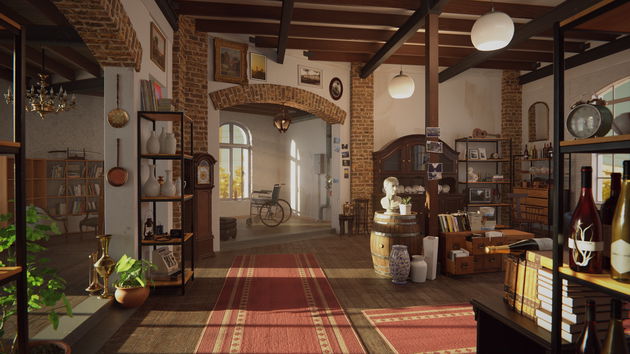
ambientCG – Public Domain Resources for Physically Based Rendering
Free materials never looked this good! Get 1000+ PBR materials and textures for free under the Public Domain license.
Substance 3D Community Assets Homepage on Substance 3D Community Assets
Download and share assets created by the Substance 3D community.




Creative Software
Software you may find useful for content creation.
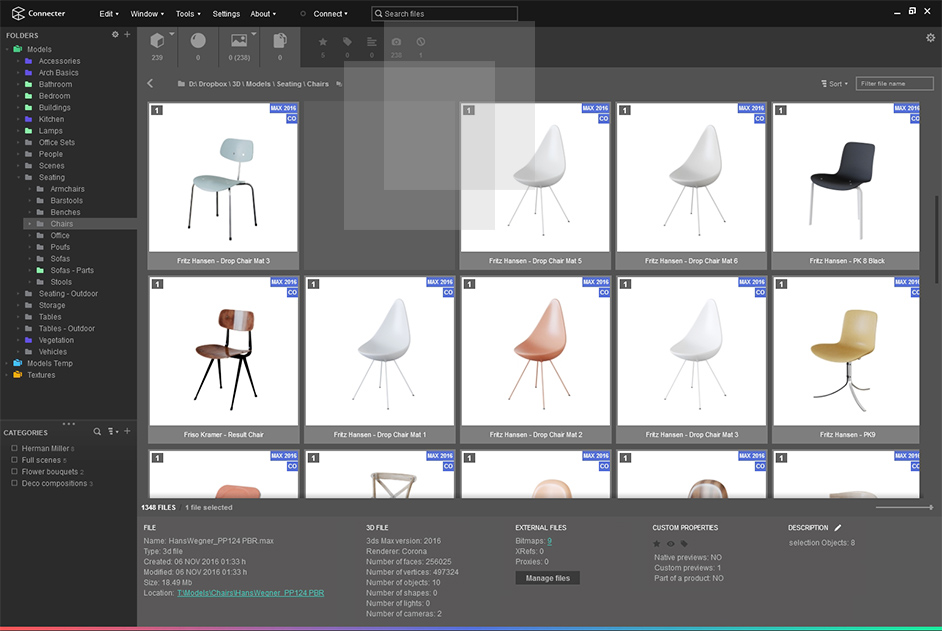
FREE DIGITAL ASSETS MANAGEMENT FOR 3D ARTISTS
Connecter app is the world’s only out-of-the-box asset management tool for 3d artists. Download it for free and enhance your work!

Krita
Krita is a professional FREE and open source painting program. It is made by artists that want to see affordable art tools for everyone.


Kdenlive – Video Editing Freedom
Kdenlive is a powerful free and open source cross-platform video editing program made by the KDE community. Feature rich and production ready.

Audacity ® | Free, open source, cross-platform audio software for multi-track recording and editing.
Audacity is a free, easy-to-use, multi-track audio editor and recorder for Windows, Mac OS X, GNU/Linux and other operating systems. Edit, mix, and enhance your audio tracks with the power of Audacity. Download now.

GitHub – nomacs/nomacs: nomacs is a free image viewer for windows, linux, and mac systems.
nomacs is a free image viewer for windows, linux, and mac systems. – GitHub – nomacs/nomacs: nomacs is a free image viewer for windows, linux, and mac systems.
SageThumbs
Download SageThumbs for free. Powerful Windows shell extension allowing to preview images. SageThumbs is a powerful shell extension allowing to preview enormous amount of image formats directly in Windows Explorer by using Pierre-e Gougelet’s GFL library (XnView’s author). Please read carefully the…